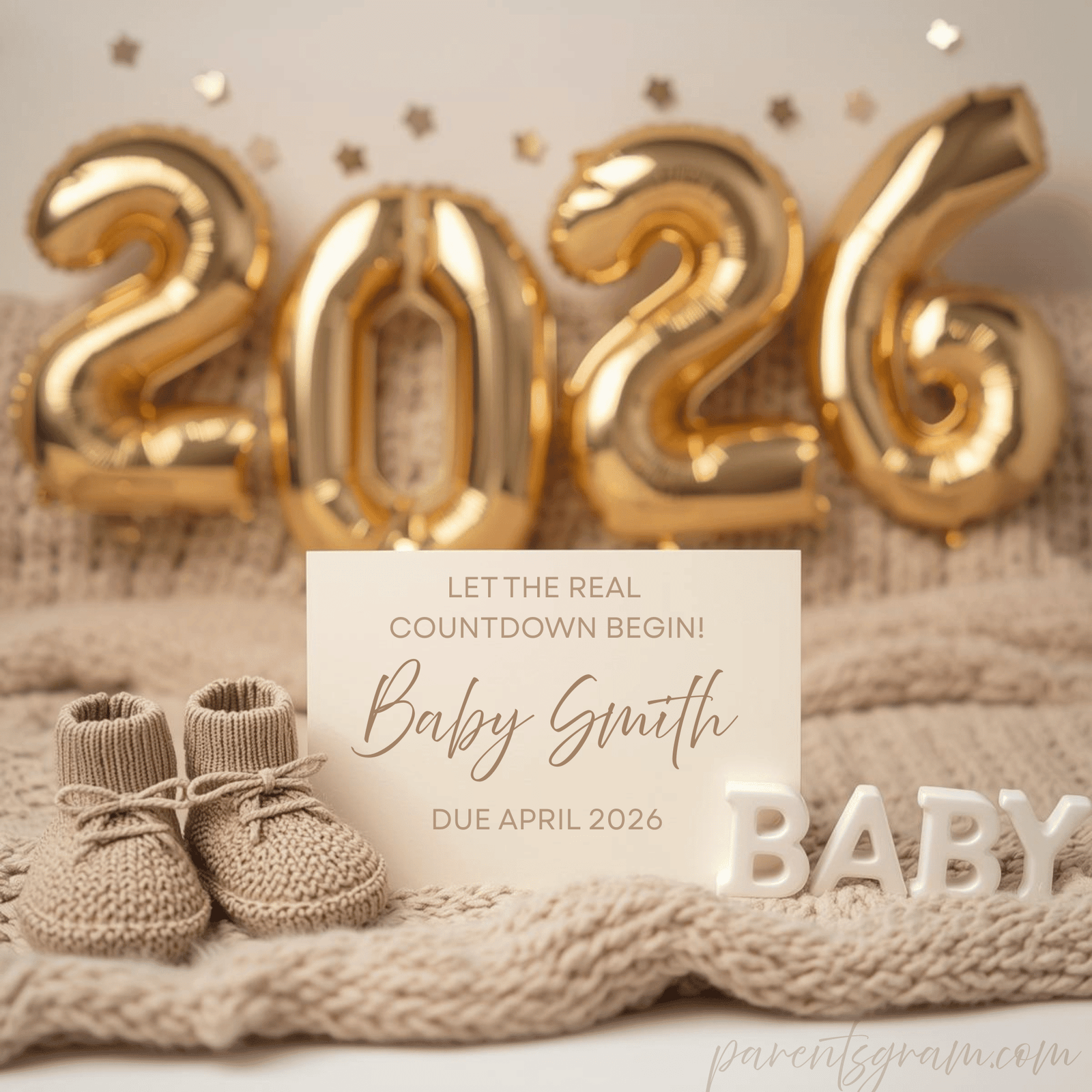
The moment you see those two lines, everything changes.
Your heart races, your mind fills with questions, and somewhere between excitement and disbelief, you think:
“How am I going to tell everyone?”
Not if — but how.
I remember feeling that pressure. I wanted the announcement to be meaningful, modern, and beautiful… but I didn’t have the energy for a full photo shoot, printing cards, or waiting days for something to arrive. I wanted something I could do right now, while the excitement was still fresh.
That’s when I discovered digital pregnancy announcements — and honestly, I don’t think I’ll ever announce big life moments any other way again.
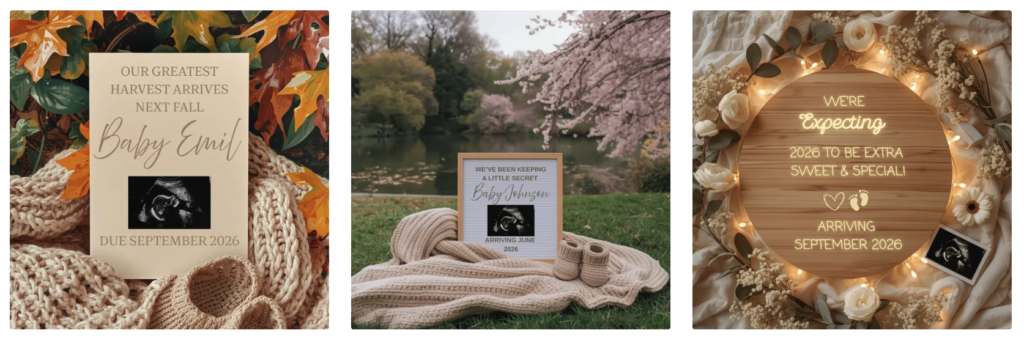
If you’re looking for the quickest and trendiest way to announce your pregnancy in less than 5 minutes, this is for you.
Why Digital Pregnancy Announcements Just Make Sense
Pregnancy already comes with enough planning — appointments, emotions, to-do lists you didn’t ask for. Announcing your pregnancy shouldn’t feel like another chore.
Digital pregnancy announcements are popular right now because they’re:
- Instant
- Affordable
- Beautiful
- Low effort
- Perfect for modern sharing
But beyond that, they give you something incredibly valuable: control.
You can announce when you’re ready. You can edit it exactly how you want. You can send it privately… or share it with the world.
No waiting. No stress. Just joy.
The Moment I Realized Digital Was the Way to Go
I originally thought I’d need:
- A photographer
- The “perfect outfit”
- Time (which I didn’t have)
Then I thought, why am I making this harder than it needs to be?
I wanted something:
- Simple but meaningful
- Trendy but timeless
- Easy enough to do from my phone
That’s when I came across editable digital pregnancy announcement templates — and everything clicked.
Within minutes, I had a beautiful announcement that looked professionally designed… and it felt like me.
The Fastest Way to Announce Your Pregnancy (Step by Step)
If you’re tired, emotional, busy, or just want this to be easy — here’s exactly how you can announce your pregnancy in under 5 minutes.
Step 1: Pick a Digital Pregnancy Announcement You Love
First, choose a style that feels right for you.
Some parents love:
- Gender-neutral announcements
- Minimalist or modern designs
- Nature-inspired or boho styles
- Seasonal announcements like “Baby arriving Fall 2026”
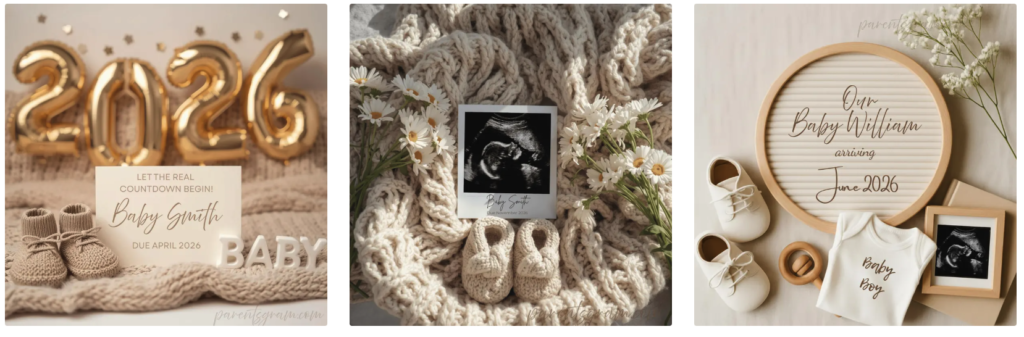
You can find ready-to-edit digital pregnancy announcements here:
✨ Gumroad Shop for exclusive blog reader perks
All of these are instant downloads, so there’s no waiting.
Step 2: Download Your File (Instant Access)
This is where the magic starts.
- On Etsy, your download appears under Purchases & Reviews.
- On Gumroad, you’ll get an instant download link via email and on the screen.
Inside the file, you’ll find a Canva template link — this is what lets you customize everything easily.
Step 3: Open the Template in Canva (No Design Skills Needed)
Click the Canva link and open the template.
If you’ve never used Canva before, don’t worry:
- It’s free
- It works on your phone, tablet, or computer
- Everything is drag-and-drop
Once the template opens, just click “Use Template.”
Step 4: Make It Yours (This Takes 2–3 Minutes)
This is honestly my favorite part.
In Canva, you can quickly edit:
- The baby announcement text
- Due date or season
- Names or initials
- Fonts and colors
- Add a photo (like an ultrasound or bump photo — optional)
You don’t have to overthink it. Sometimes the simplest edits are the most meaningful.
Step 5: Download & Share When You’re Ready
When it feels right, download your announcement as:
- PNG or JPG for social media
- PDF if you want to print later
And that’s it.
Your pregnancy announcement is ready 💛
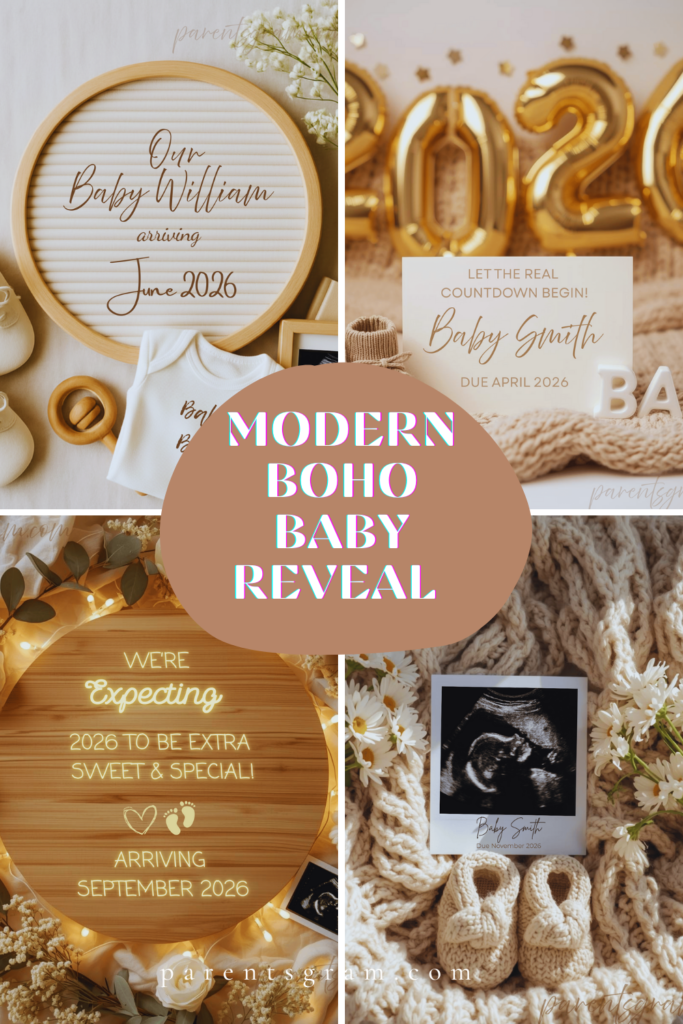
How People Are Sharing Digital Pregnancy Announcements
One thing I love about digital announcements is how flexible they are.
You can:
- Post it on Instagram or Facebook
- Share it in a private family group chat
- Email it to loved ones
- Save it as a keepsake
Some parents even:
- Tell close family first privately
- Then post publicly later
There’s no “right” way — just your way.
The Pregnancy Announcement Styles Everyone Loves Right Now
If you’re wondering what’s trending, here’s what parents are choosing in 2026:
🤍 Gender-Neutral Pregnancy Announcements
Soft colors, minimalist text, timeless designs.
🍁 Seasonal Announcements
Especially Fall baby announcements — cozy, warm, and emotional.
🌿 Nature-Inspired & Minimalist
Florals, cherry blossoms, greenery, and calm neutral palettes.
✨ Clean Text-Only Designs
Perfect if you want something elegant and understated.
You’ll find all of these styles available as editable Canva templates here:
✨ Gumroad Shop for exclusive blog reader perks
Why I Offer Both Etsy & Gumroad Options
Everyone shops differently — and I wanted to make this easy.
- Etsy is great if you like browsing and reading reviews.
- Gumroad is perfect if you want instant access with no extra steps plus our exclusive perks for blog readers.
Both options give you the same beautiful, editable designs — just choose what feels easiest for you.
If You’re Overthinking Your Pregnancy Announcement, Read This
Your announcement doesn’t have to be perfect.
It doesn’t need a huge production or months of planning.
It just needs to feel real, exciting, and true to you.
Digital pregnancy announcements let you focus on the moment — not the logistics.
If you want something:
- Quick
- Affordable
- Trendy
- Emotional
- Easy
This is the simplest way to do it.
✨ Browse digital pregnancy announcements here:
Your story deserves to be shared — in a way that feels effortless and special 🤍
Wanna see how else you can announce pregnancy? I have put together modern and trendy announcement ideas that are not digital announcements.
Looking for baby names? Here are 100 Most Unique Hollywood Celebrity Baby Names Expected to Trend in 2026